Start with their swing.
Connect with a student and open the swing they share. Work from the movement you’re teaching today.

 Golf Edition
GHOSTMAN GOLF COACHING STUDIO
Turn a swing review into a lesson your student can see, understand and take into practice.
Bring your teaching to their swing. Add visual guides, record your Coach Walkthrough and send a focused Target Training plan.
Private early access for independent coaches, online instructors and golf academies.
FROM INSTRUCTION TO ACTION
Keep the original swing, your explanation and the next practice block together.
Connect with a student and open the swing they share. Work from the movement you’re teaching today.
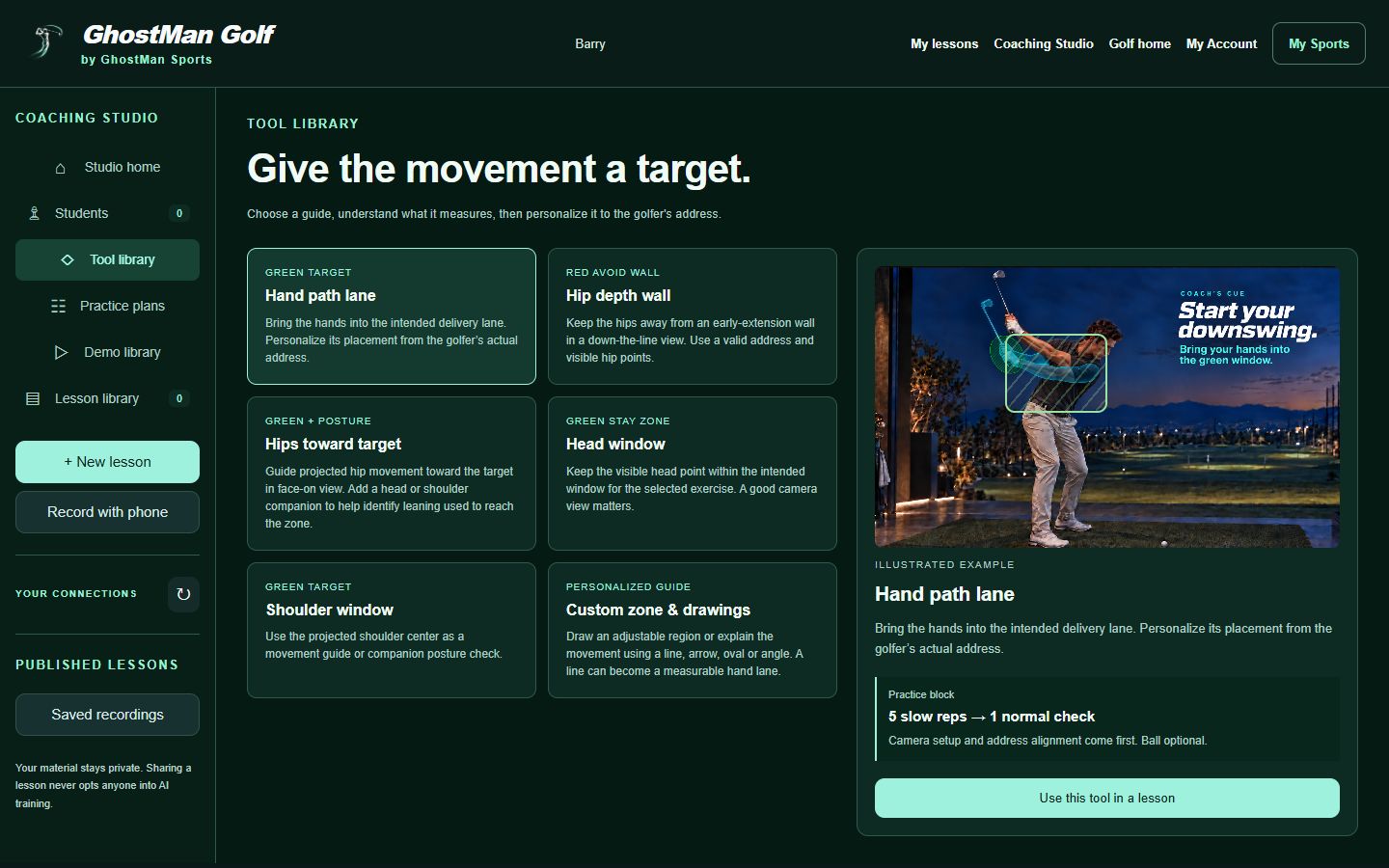
Use drawings, green targets and red avoid walls. Record a Coach Walkthrough with your voice and optional camera, so the student can return to your explanation.
Set camera guidance, address alignment, slow repetitions and normal checks. Publish the lesson for the student’s library and Golf app.
YOUR TEACHING, IN ONE WORKSPACE
Students, teaching tools, demonstrations and practice plans belong in the same coaching flow.
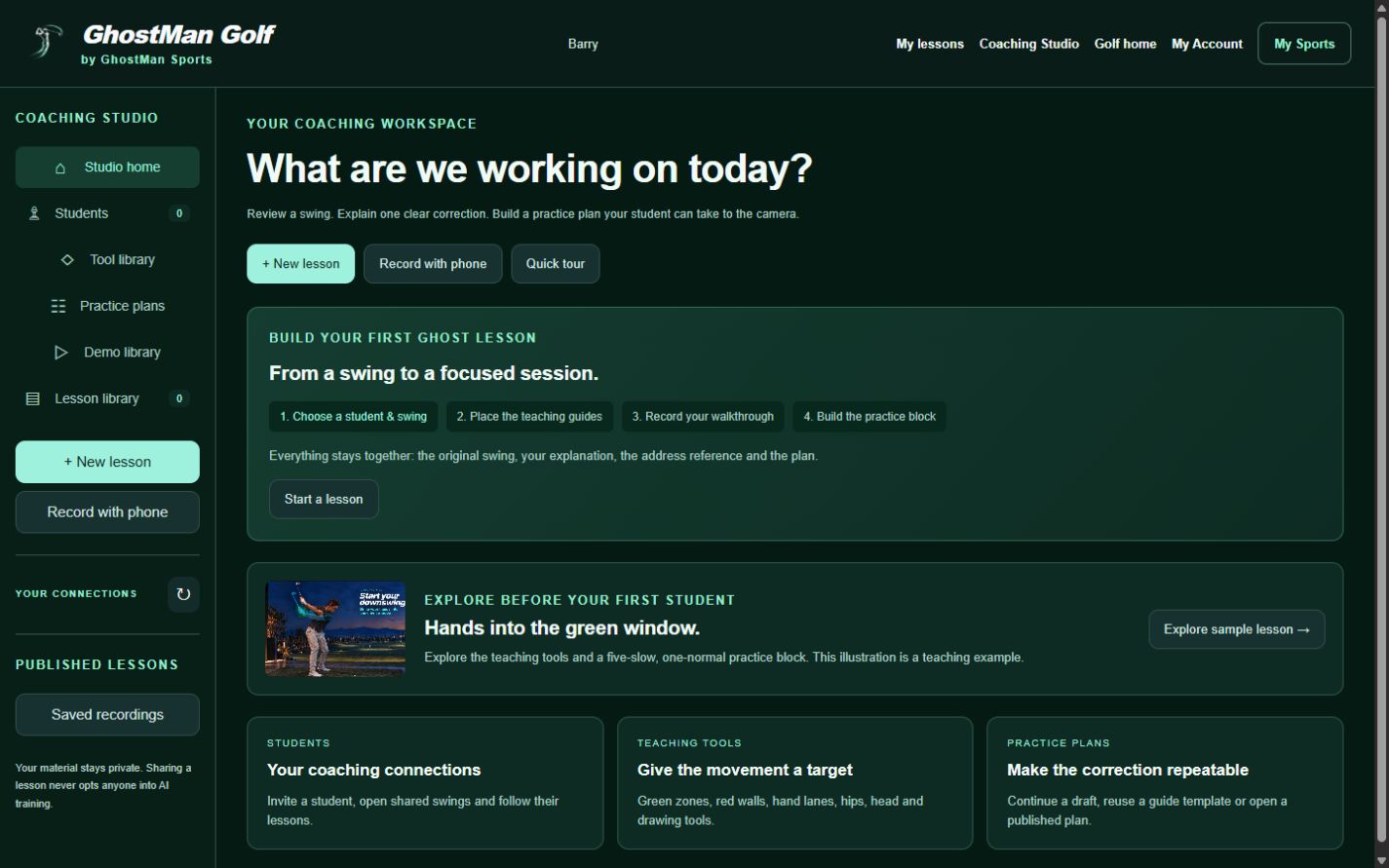
Build a lesson around the golfer’s own swing, rather than leaving them with a video to interpret on their own.
Record demonstrations with phone capture and keep them in your private library. Reuse guide templates, then personalize them to the next golfer’s address.
Carry the walkthrough, targets and practice block into the student’s lesson library. They can return to the correction between lessons.
BUILT TO SUPPORT YOUR COACHING
Yes. Connect with your student, review their shared swing and publish a lesson with your walkthrough and practice plan. Phone capture can add a coach demonstration to the same private draft.
No. GhostMan Golf also supports independent AI or manual practice. Studio gives golfers and coaches a connected workflow when they choose to work together.
No. Studio is in private early access. We review requests and discuss the right access for your coaching. Submitting a request does not create an account, charge you or grant access automatically.
Sign in to GhostMan Sports, choose Golf in My Sports and open Coaching Studio from your Golf workspace.